
Use cases
Where virtual model photos fit in your store
From the product page to ads, every use case starts with the real garment photographed on a hanger. Pick a use to see the step-by-step.
In every case, the path is the same: you photograph the garment, choose the model and the scene in Studio, and find the finished photos in Library. In Studio, 1 credit generates a 4-photo pack of the garment. Eligible new sign-ups can start a free 3-pack trial (total photos: up to 12). No card required.
-
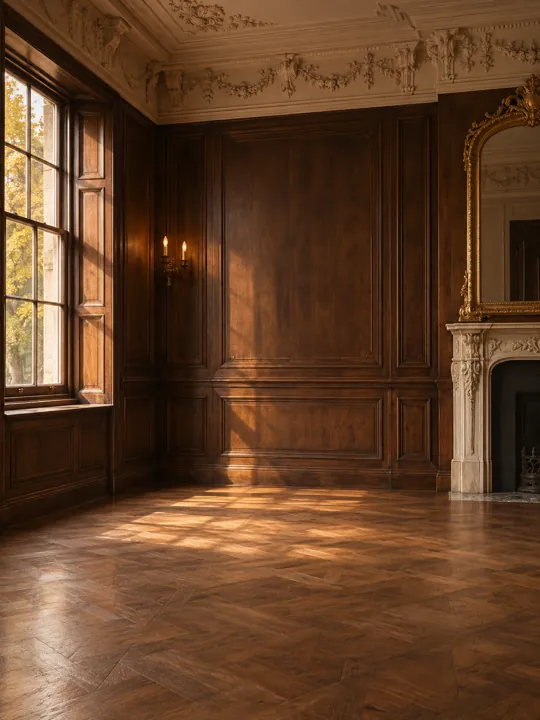
Online store
Front photo, back, detail, and full body of the same garment, with the same virtual model, so your store's product page looks complete.
-

Ads
Generate the same garment in multiple scenes and formats to swap your ad creatives without a new photo shoot.
-
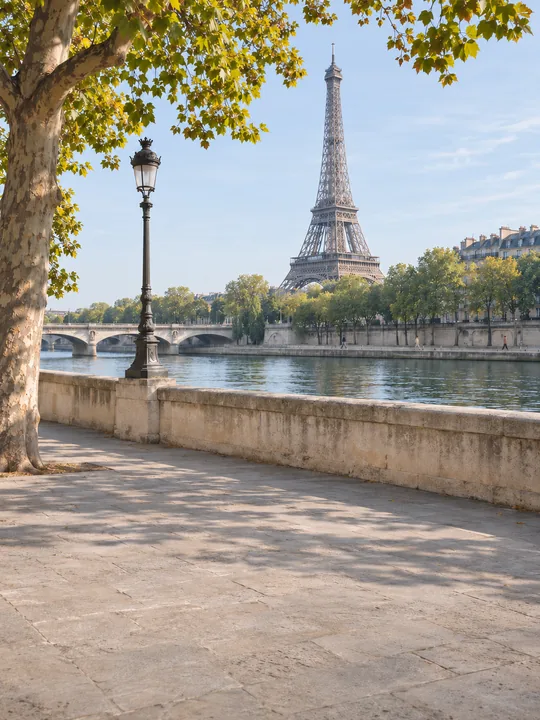
Collection catalog
Photograph the collection on a hanger, generate in a Batch with the same model, and share the catalog by link or as a PDF with resellers and customers.
-
From mannequin to model
Use the photo of the garment on the mannequin or hanger as a starting point and get the same clothes on a virtual model, with pose and scene.
-

Color variation
Generate the same clothes in another color, with the same model and the same scene: one photo per listing variation, without photographing the garment in each color.