
Use cases · Ads
New creatives without a new photo shoot.
Ads wear out fast. Generate the same garment in different scenes and find out which one converts.
- 01
Multiple scenes per garment
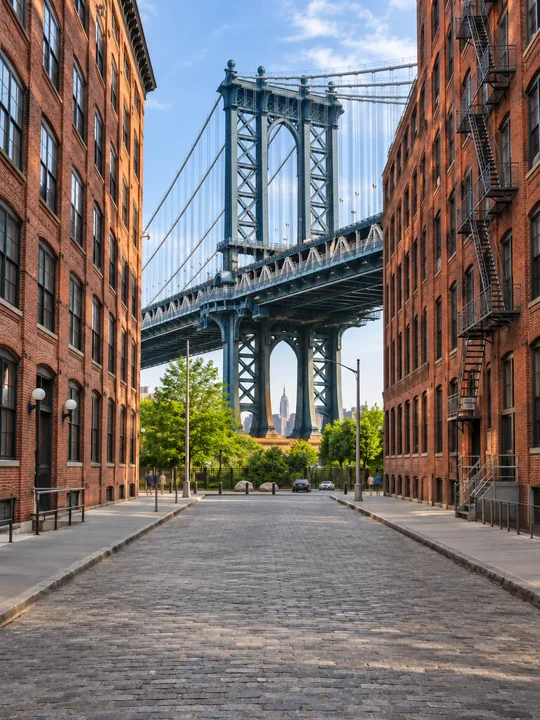
Beach, city, studio: the same garment in different settings.
- 02
Vertical for Reels
9:16 ratio for Stories and Reels.
- 03
Low cost per creative
A Studio photo pack gives you four photos per credit.
Why creatives wear out
People who see the same ad several times stop noticing it. A store that advertises every day needs to swap the image often, and doing a photo shoot for every swap rarely fits the budget.
One garment, many creatives
Upload the garment once and generate versions: at the beach, in the city, in the studio, with a different model.
Change one thing at a time. If you swap the scene and the model together, you won't know which one made the ad perform better.
The right format for each placement
Use a vertical or square photo for the feed. Stories and Reels use a full-screen 9:16 format. Generate the photo in Story/Reels format so the model’s head and the garment’s hem stay in the frame.
From test to campaign
When a creative stands out, repeat the scene and the model on the other garments in the campaign. That way, people who arrive through the ad find the same look on your profile and in your store.
What stays the same across all creatives
Use a photo of the actual garment as your reference. Before publishing, compare the color and print across the ad image, the product page, and the garment you’ll deliver.
Keep your creatives in the Library. On the next retail date, what worked becomes your starting point.