
Segments
Fashion photos for the way your store sells
Each type of store has a different question when it comes to photography. Pick your segment to see how to build photos from the garment on the hanger.
-
Secondhand stores
Photograph a one-off item on a hanger and get four photos with a virtual model for one credit, ready for your shop catalogue and Instagram.
-
Plus size fashion
Show the plus-size garment on a body similar to your customer's. Choose the model's body type and generate the photos from the hanger.
-
Accessories
Bag, hat and jewelry in a complete look, with a detail photo for the finish. Create accessory photos from a simple photo.
-
Marketplace stores
Square front photo on a clean background, back and detail shots for clothing listings on marketplaces. Generate several garments at once with the same look.
-
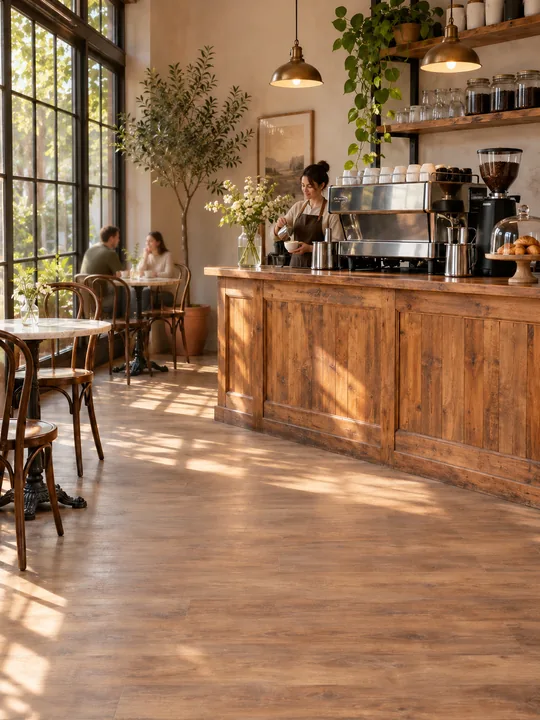
Boutiques
Photograph your boutique's new arrivals on the hanger and publish the same day, with a virtual model and the scene that matches your store's style.
-
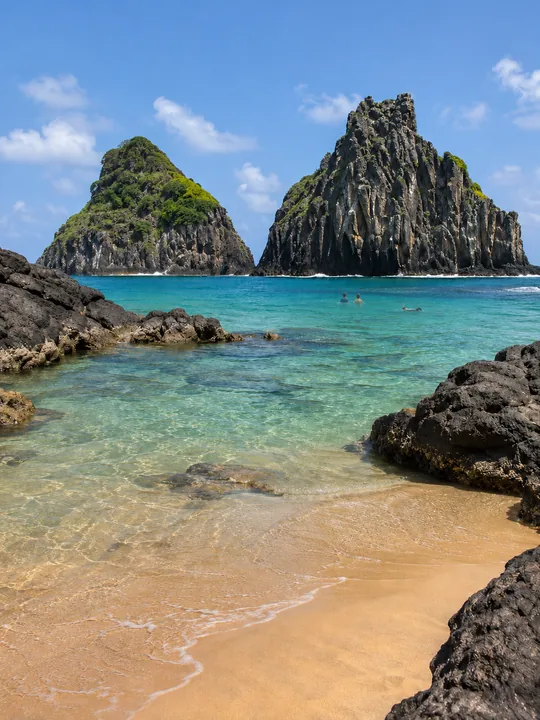
Beachwear and activewear
Bikinis in a beach scene and leggings in the park, with no travel and no dependence on the weather. Generate your collection photos from a simple photo.
-
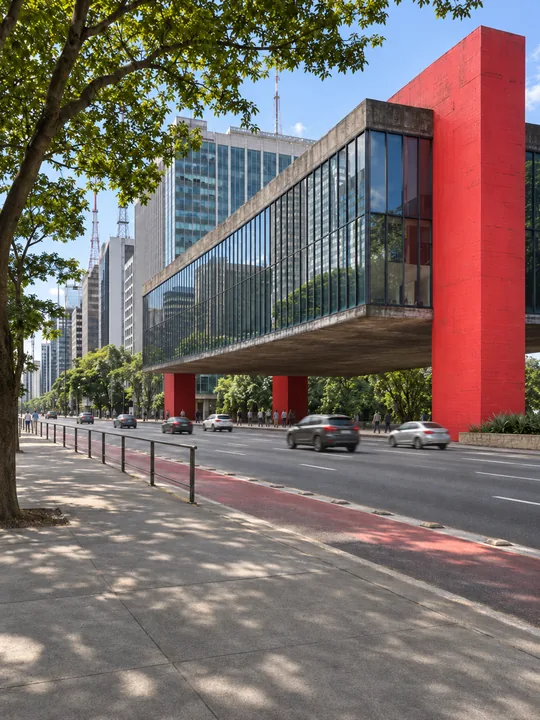
Menswear
Shirts, polos and jeans on a male model, in a studio or in the city. Show how the garment fits at the shoulder and its length, starting from the hanger photo.
-
Resale and wholesale
Generate the entire collection with the same virtual model and send the catalog by link or as a PDF. Photos the reseller uses to sell to her own customers.
-
For Mercado Livre sellers
What Mercado Livre asks for in clothing photos: model, neutral background, vertical format, back view and detail. See how to generate each one without a photo shoot.
-
Nuvemshop stores
The size Nuvemshop recommends, photos in the same format, and the garment worn by a virtual model for your clothing store's product page.