
Virtual model
AI virtual model generator for clothing photos
Modelliq uses AI to show your garments on a virtual fashion model in photos for your online shop, catalogue and ads. Start with a real phone photo of the garment on a hanger, on a mannequin or laid flat.
Eligible new sign-ups get a free 3-pack trial (total photos: up to 12). No card required.
How the virtual model generator works
-
Photograph the garment
Front and back, with your phone. On a hanger, on a mannequin, or laid flat, with good light.
-
Upload the photos
They upload in seconds. If the image is too small, Modelliq warns you before you spend a credit.
-
Choose the model
10 adult models, ages 20 to 60, with different skin tones and body types.
-
Build the scene
22 scenes, from studio to beach, in each channel's format.
-
Generate, review, and download the photos
Check the color, fit, and details of the garment. Download the image from the Library to use in your listing.
Adult virtual models with a range of looks
10 adult models, ages 20 to 60, with different skin tones and body types.
The catalog has only adults, in three age ranges: Adult (20–25), Mature (30–45), and Senior (50–60). In Studio, the filters for gender, age range, skin tone and body type help you find who fits your customer, and the enlarged portrait lets you check your choice before moving on.
-
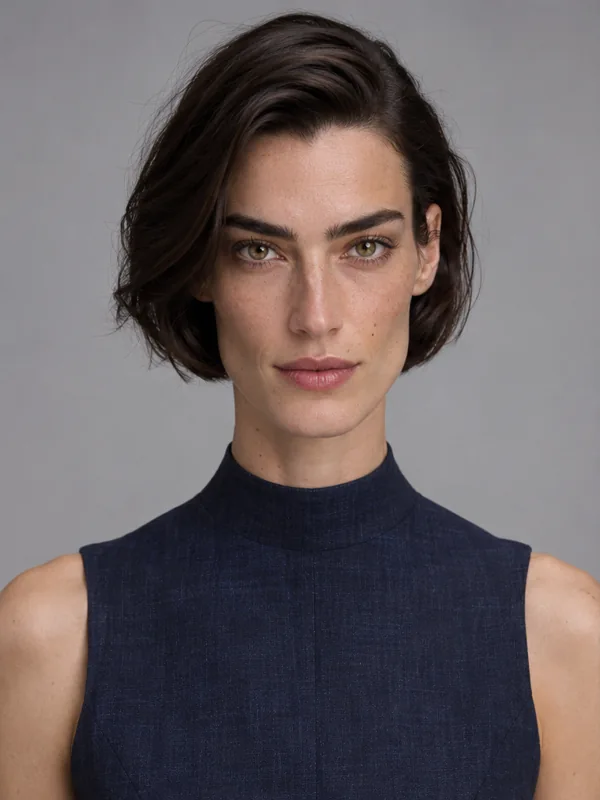
Ana
Female · Mature (30–45)
-
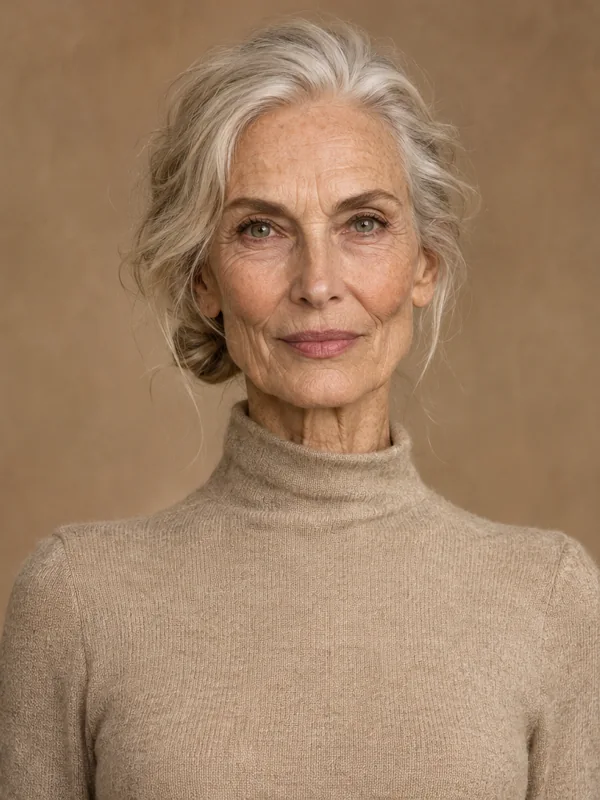
Eva
Female · Senior (50–60)
-
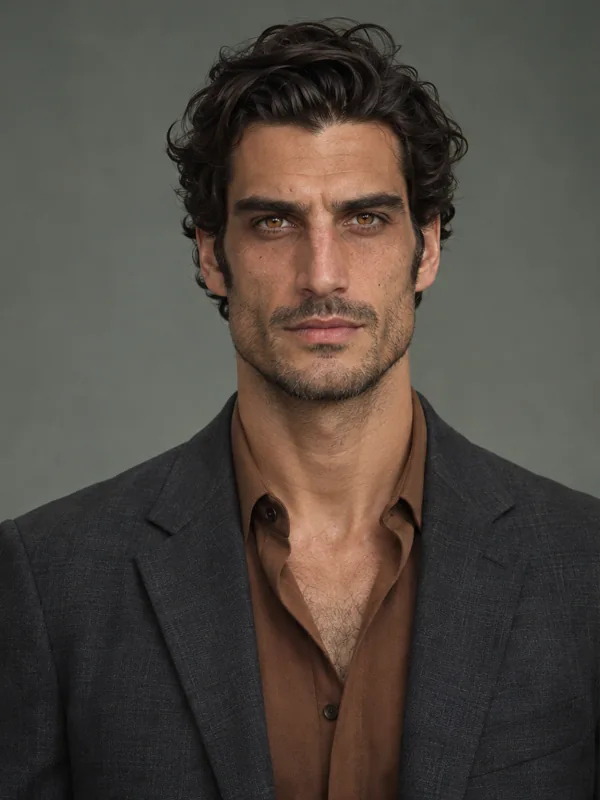
Gabriel
Male · Mature (30–45)
-
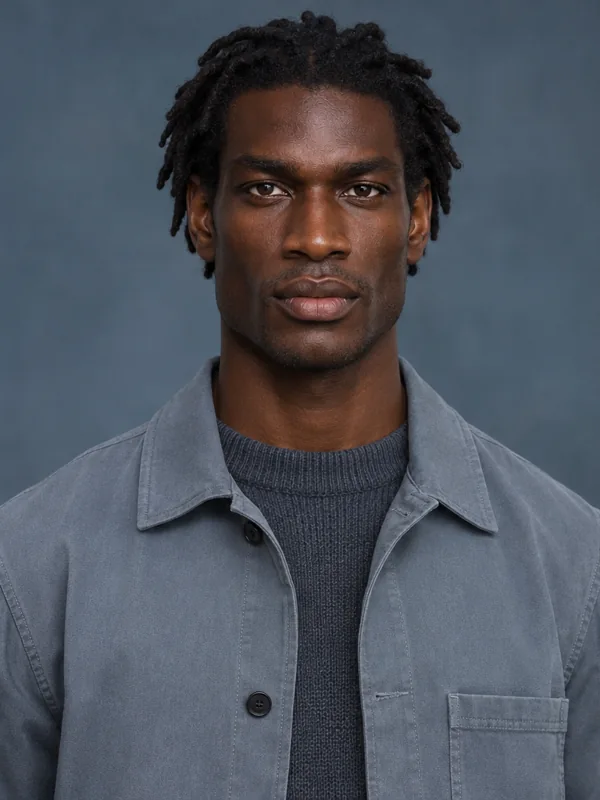
Heitor
Male · Adult (20–25)
-
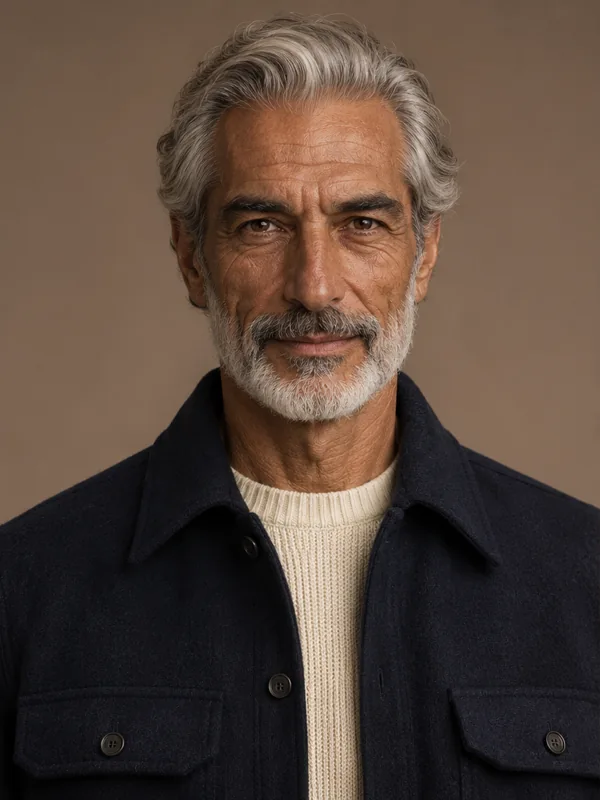
Luiz
Male · Senior (50–60)
-
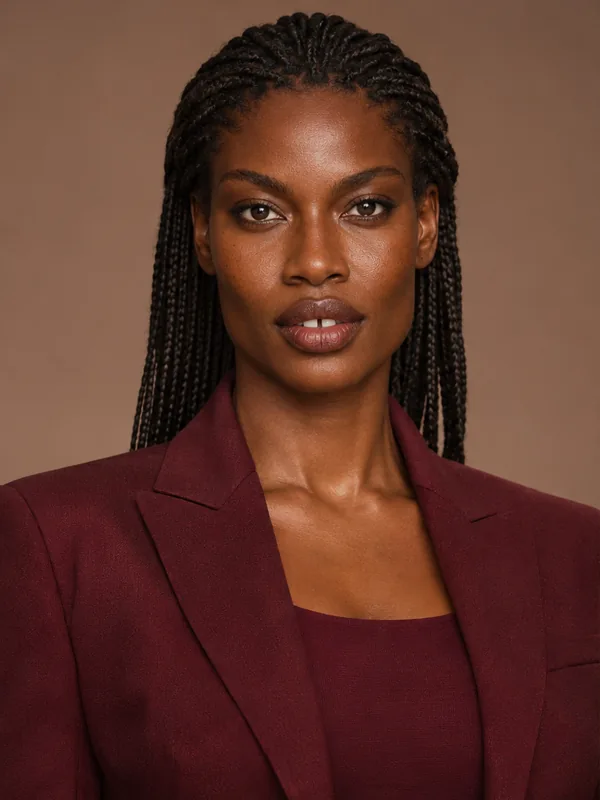
Amara
Female · Adult (20–25)
22 settings and 5 image formats
Pick a setting, from a studio, beach or park to a city street or an interior. Choose from these image formats: Square, Portrait, Storefront, Landscape and Story/Reels.
Front, back, detail, and full body
In the Studio, 1 credit generates a pack of 4 photos of the same garment. Show the clothing from the front and back, highlight a detail, and display the fit in a full-body photo.
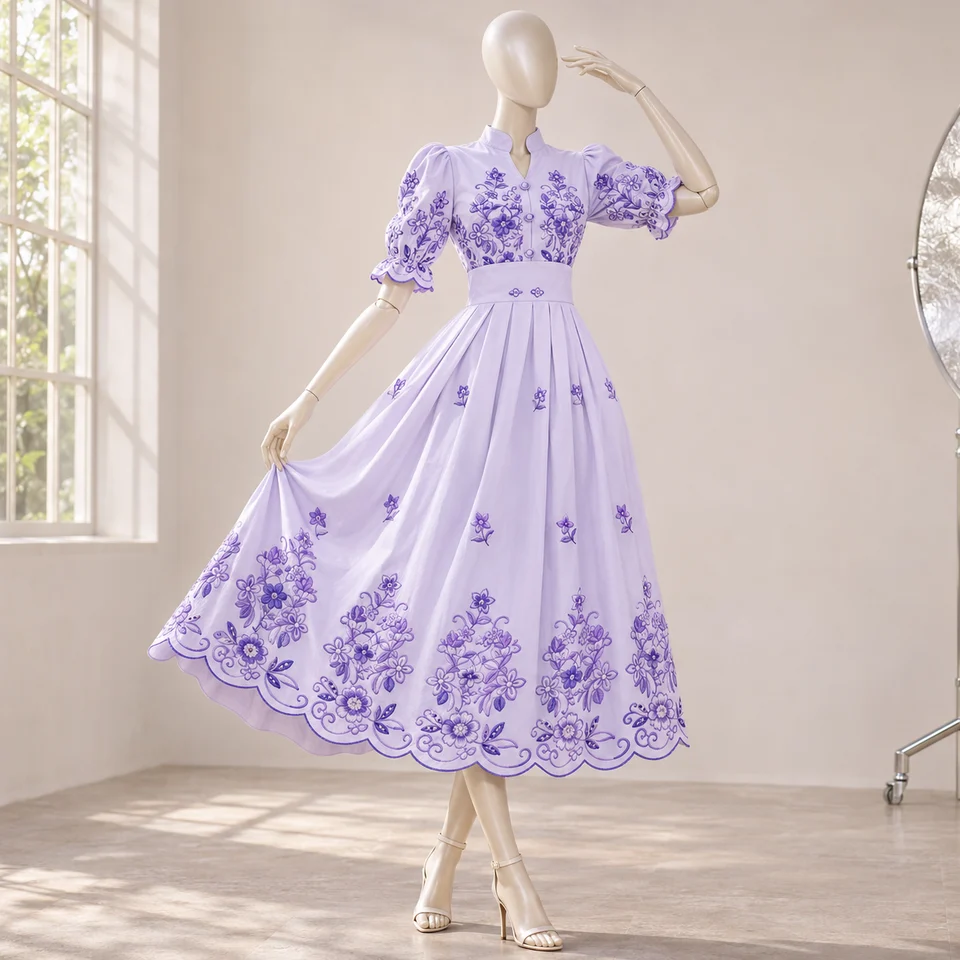
Virtual model for every type of store
-
Boutiques
Prepare photos of new arrivals as the garments reach your store.
-
Secondhand stores
Show how each one-off garment looks when worn.
-
Plus size fashion
Models with different body types, so customers can see themselves in the garment.
-
Beachwear and activewear
Bikinis and leggings in a beach or park scene, no travel needed.
-
Menswear
Male models in a studio or in the city.
-
Marketplace stores
Cover photo in the format Shopee and Mercado Livre require.
-
For Mercado Livre sellers
Show the garment on a model in your listing photos.
-
Nuvemshop stores
Use one photo format across your storefront.
Virtual models and virtual fitting rooms
Use a virtual model to create photos for your catalogue and ads. A virtual fitting room lets shoppers see how a garment might look on them.
The photo starts with your real garment
The photo of the garment you upload guides the generation. Check the color, pattern, and details before publishing.
If a pack is incomplete, the credit is returned to your balance and you can download the completed photos. If a photo from a completed photo pack comes out with a defect, request a free redo of just that photo during review. If the new photo also has a problem, contact support.
How much does it cost?
Plans start at R$30.00 per month. On the monthly Passarela plan, photos generated in packs start at R$0.47 each when you use the full allowance.
Frequently asked questions
What is a virtual model generator?
Modelliq uses AI to show your garments on a virtual fashion model in photos for your online shop, catalogue and ads. Start with a real phone photo of the garment on a hanger, on a mannequin or laid flat.
Do I need a photographer or model?
No. All you need is a phone photo of the garment, on a hanger, on a mannequin or laid flat. Modelliq puts the clothes on the model and builds the scene.
Can I test it for free?
Eligible new sign-ups get a free 3-pack trial (total photos: up to 12). No card required.
Does the photo with the virtual model accurately represent the garment?
The photo of the garment you upload guides the generation. Check the color, pattern, and details before publishing.
What formats do the photos come in?
Square, Portrait, Storefront, Landscape and Story/Reels, ready for Shopee, Mercado Livre, Instagram and your own store.
What is the difference between a virtual model and a virtual fitting room?
Use a virtual model to create photos for your catalogue and ads. A virtual fitting room lets shoppers see how a garment might look on them.
Can I use the photos on Shopee and Mercado Livre?
Yes. Choose a photo format that suits the channel. Before publishing, check the image against the garment and check the listing guidelines for your category.